

You’re receiving price alerts for Acer Swift X 14
Like
- Powerful yet ultraportable
- Gorgeous OLED display
- Strong performance from latest Intel and Nvidia tech
- Lots of ports
Don’t like
- Boring design
- Some flex to all-metal chassis
- Keyboard and touchpad are meh
- Terrible speakers
Acer sells two models of the Swift X 14. The baseline model costs $1,100 and features a Core 5-13500H CPU, 16GB of RAM, previous-gen RTX 3050 graphics and a 512GB SSD. You don’t get an OLED panel with this baseline model but a standard LED-backlit LCD with a 2.5K (2,560×1,600 pixels) resolution and 120Hz refresh rate. The step-up model that we reviewed costs $1,500 and features a Core i7-13700H CPU, RTX 4050 graphics and a 1TB SSD along with an OLED panel with a 2.8K (2,880×1,800 pixels) resolution. At the time of this writing, this model (SFX14-71G-76LC) is $100 off at Amazon and selling for $1,400. Both models are available in Australia for AU$2,699 and AU$2,999. In the UK, only AMD-based Swift X models with previous-gen RTX graphics are available.
Generic and gray
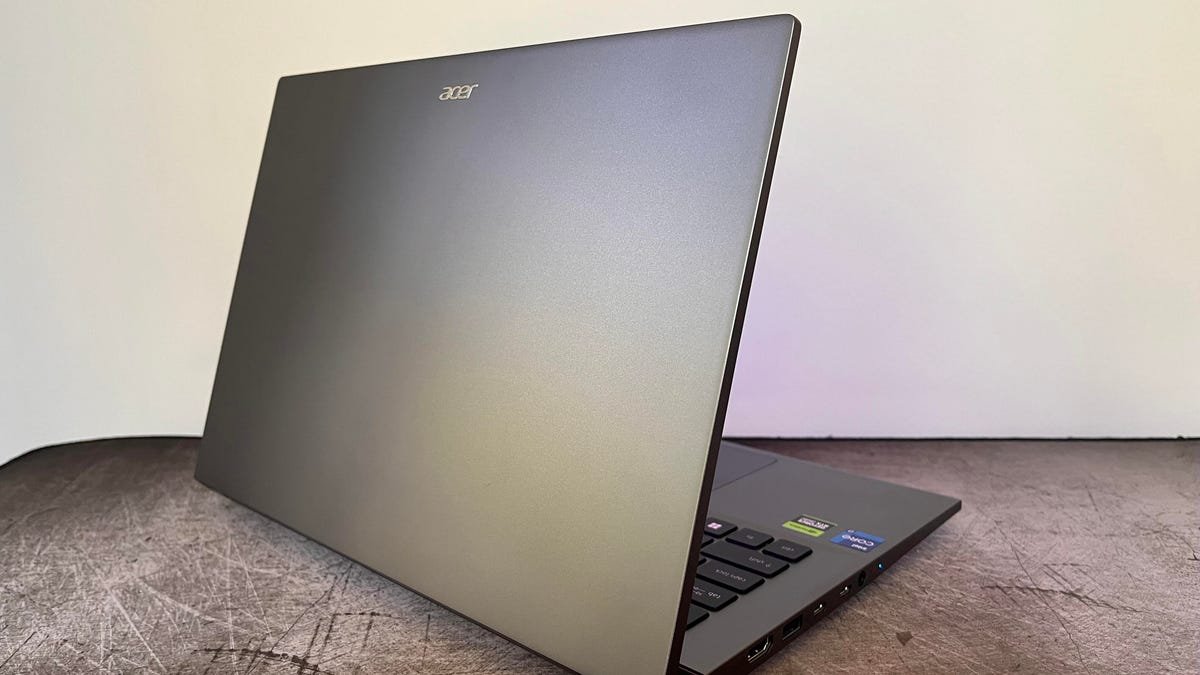
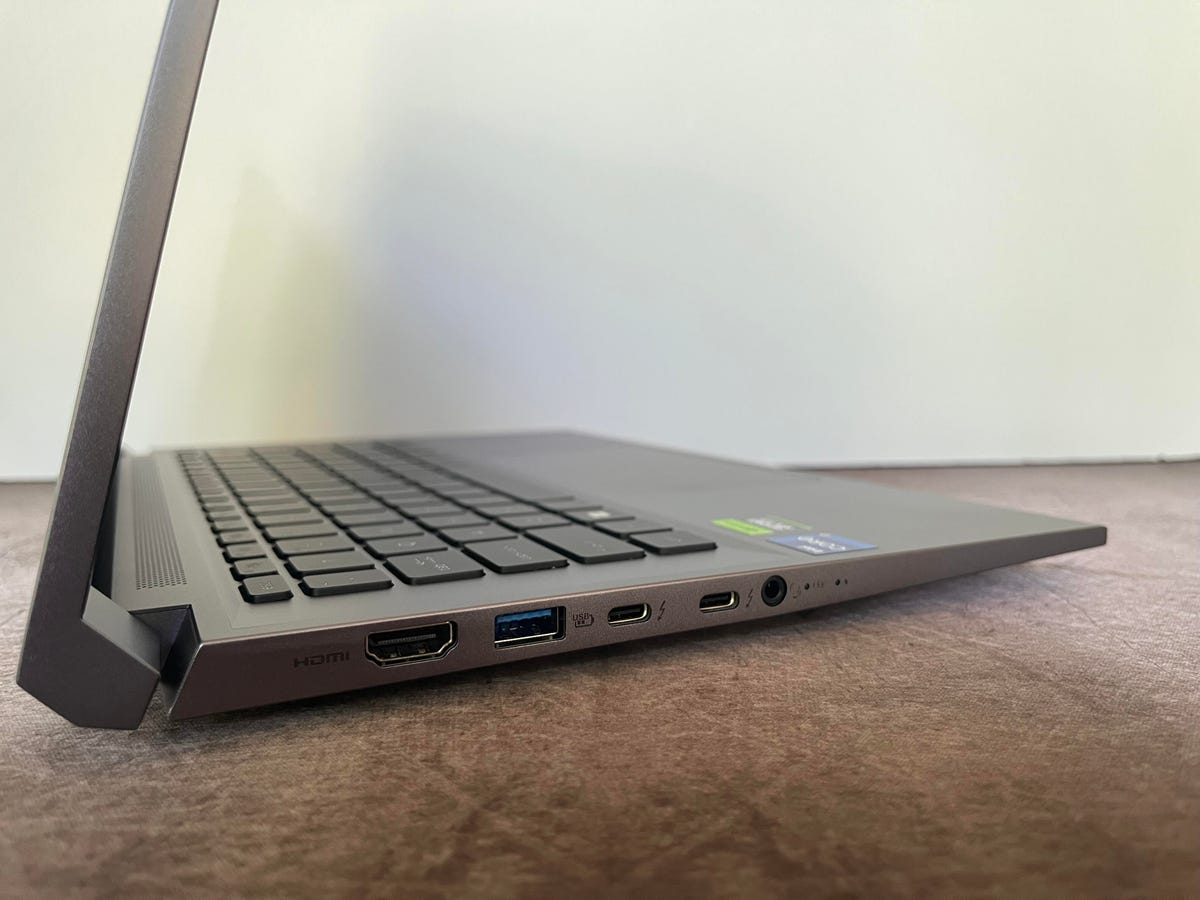
With an inoffensive but not terribly interesting dark gray enclosure, the Swift X 14 looks no different from any number of laptops on the market right now. Acer goes for a minimalist design with no color-contrasting accents and only a small Acer logo on the top of the lid and a tiny Swift wordmark on the right side of the wrist rest. Without these clues, it would be difficult to know if this was a laptop from Acer or Lenovo or Dell or HP. It is an all-aluminum chassis, which is greatly preferable to a plastic shell, but it’s not terribly rugged. The lid feels a bit flimsy, and there’s some flex in the keyboard deck. The Swift X 14 lacks the MIL-STD ruggedness of the Lenovo Slim Pro 7 and doesn’t feel nearly as rigid.

The touchpad felt smooth and accurate when swiping and pinching, but the travel of the click response felt a little too deep. The result of this deep travel is a loose feeling when clicking.
But that screen though
So, to summarize: the design is uninspired, the all-metal chassis isn’t the most rigid, the keyboard and touchpad leave something to be desired and the speakers are subpar. Given all that, I still would recommend the Swift X 14 to certain users. And the reason is its 14.5-inch OLED display and the performance behind it.
The Swift X 14’s 14.5-inch OLED panel boasts a 2.8K (2,880×1,800 pixels) resolution with a 16:10 aspect ratio and a 120Hz refresh rate. The 2.8K resolution is finer than the 2.5K resolution (2,560×1,600 pixels) of the Slim Pro 7 and far superior to the HP Dragonfly Pro’s full-HD (1,920×1,200 pixels) panel. Not only are text and edges of images crisper, particularly when viewed against the Dragonfly Pro, but the contrast is also so much better it’s not even a contest. The Swift X 14’s OLED panel produces absolute black levels and bright whites, and the colors look vivid and accurate. The Swift X 14’s display is rated for 400 nits of brightness and supports 100% of the DCI-P3 color gamut.
The review process for laptops, desktops, tablets and other computer-like devices consists of two parts: performance testing under controlled conditions in the CNET Labs and extensive hands-on use by our expert reviewers. This includes evaluating a device’s aesthetics, ergonomics and features. A final review verdict is a combination of both objective and subjective judgments.
The list of benchmarking software we use changes over time as the devices we test evolve. The most important core tests we’re currently running on every compatible computer include: Primate Labs Geekbench 5, Cinebench R23, PCMark 10 and 3DMark Fire Strike Ultra.
A more detailed description of each benchmark and how we use it can be found in our How We Test Computers page.
Cinebench R23 (multicore)
Acer Swift X 14 14,760HP Dragonfly Pro 12,696Lenovo Slim Pro 7 11,520Asus ROG Flow Z13 11,028Dell XPS 15 9520 8,816
3DMark Wild Life Extreme
Acer Swift X 14 10,784Dell XPS 15 9520 8,816Lenovo Slim Pro 7 8,511Asus ROG Flow Z13 8,268HP Dragonfly Pro 3,790
PCMark 10 Pro
Asus ROG Flow Z13 7,164Acer Swift X 14 6,888Lenovo Slim Pro 7 6,446Dell XPS 15 9520 6,161HP Dragonfly Pro 6,085
Guardians of the Galaxy (High @1920 x 1080)
Acer Swift X 14 127Dell XPS 15 9520 93Lenovo Slim Pro 7 91Asus ROG Flow Z13 83
The Riftbreaker GPU @1920 x 1080
Acer Swift X 14 172.5Lenovo Slim Pro 7 128.8Asus ROG Flow Z13 126.18Dell XPS 15 9520 125.13
System configurations
!function(f,b,e,v,n,t,s)
{if(f.fbq)return;n=f.fbq=function(){n.callMethod?
n.callMethod.apply(n,arguments):n.queue.push(arguments)};
if(!f._fbq)f._fbq=n;n.push=n;n.loaded=!0;n.version=’2.0′;
n.queue=[];t=b.createElement(e);t.async=!0;
t.src=v;s=b.getElementsByTagName(e)[0];
s.parentNode.insertBefore(t,s)}(window, document,’script’,
‘https://connect.facebook.net/en_US/fbevents.js’);
fbq(‘set’, ‘autoConfig’, false, ‘789754228632403’);
fbq(‘init’, ‘789754228632403’);